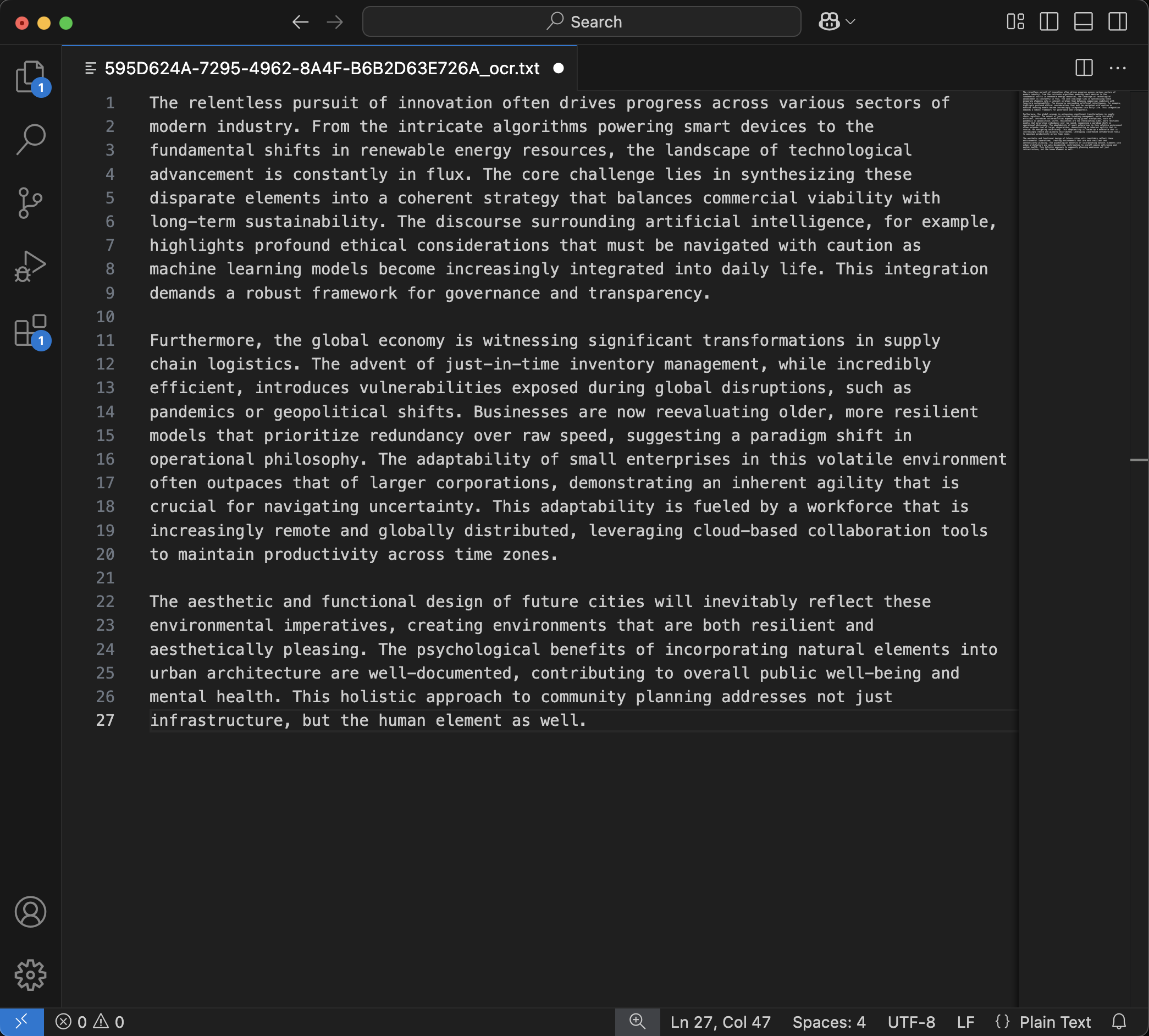
Extract text from photos, videos, and multi-photo collections with AI-powered precision. Perfect for students, professionals, and content creators.
See the complete workflow: Snap → Extract → Transfer to VS Code
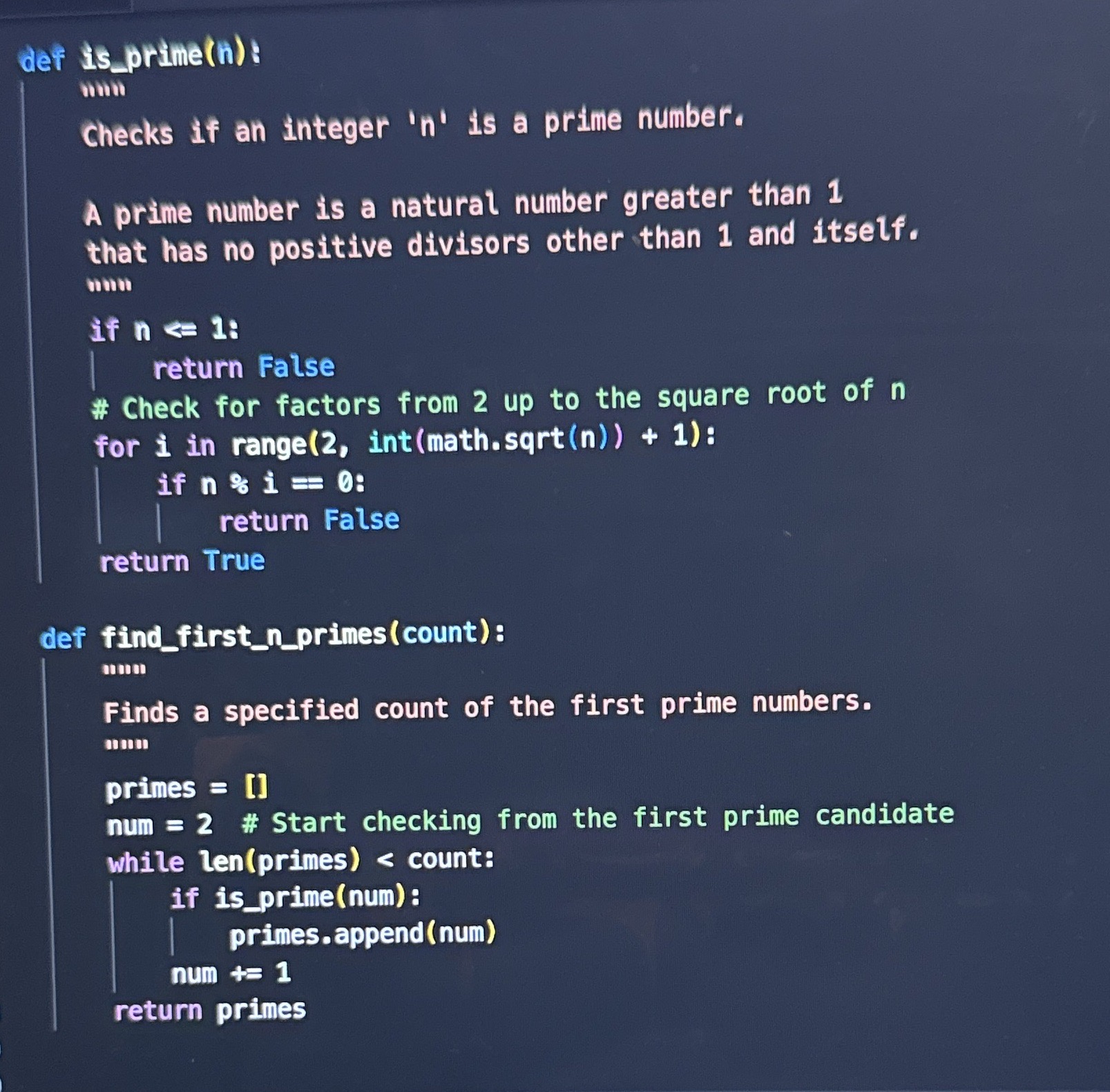
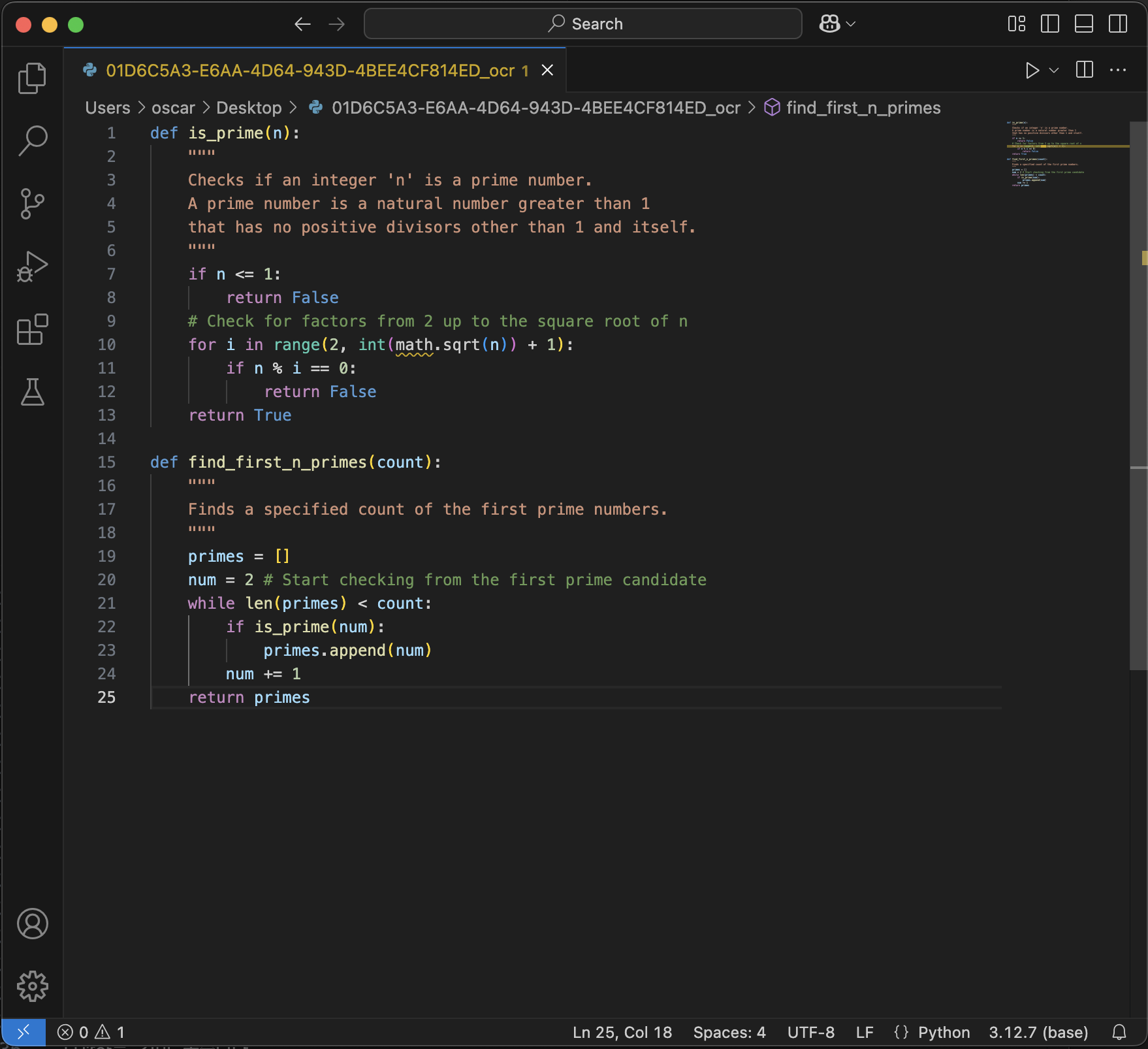
Snap a photo of code and instantly transfer it to VS Code
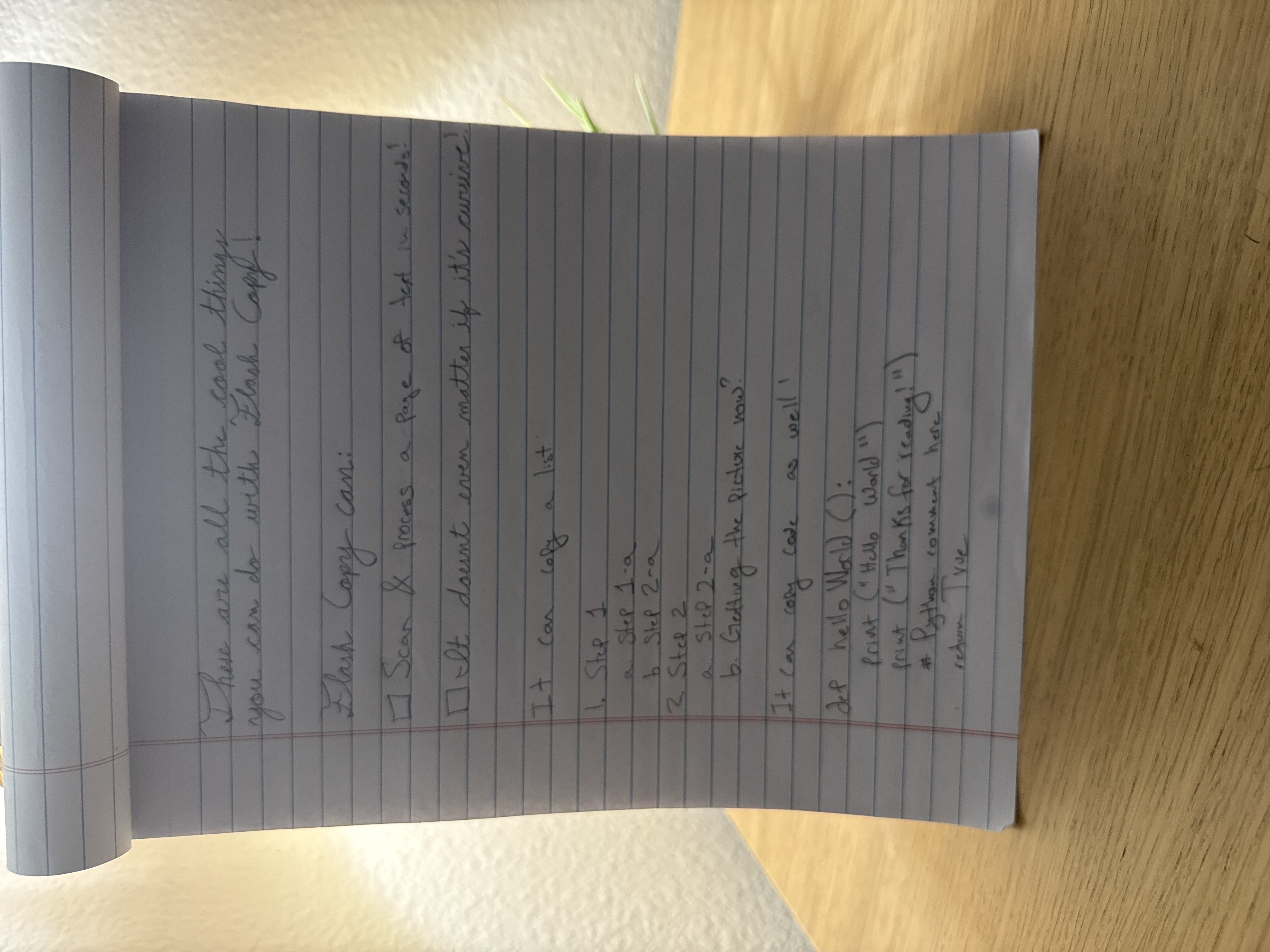
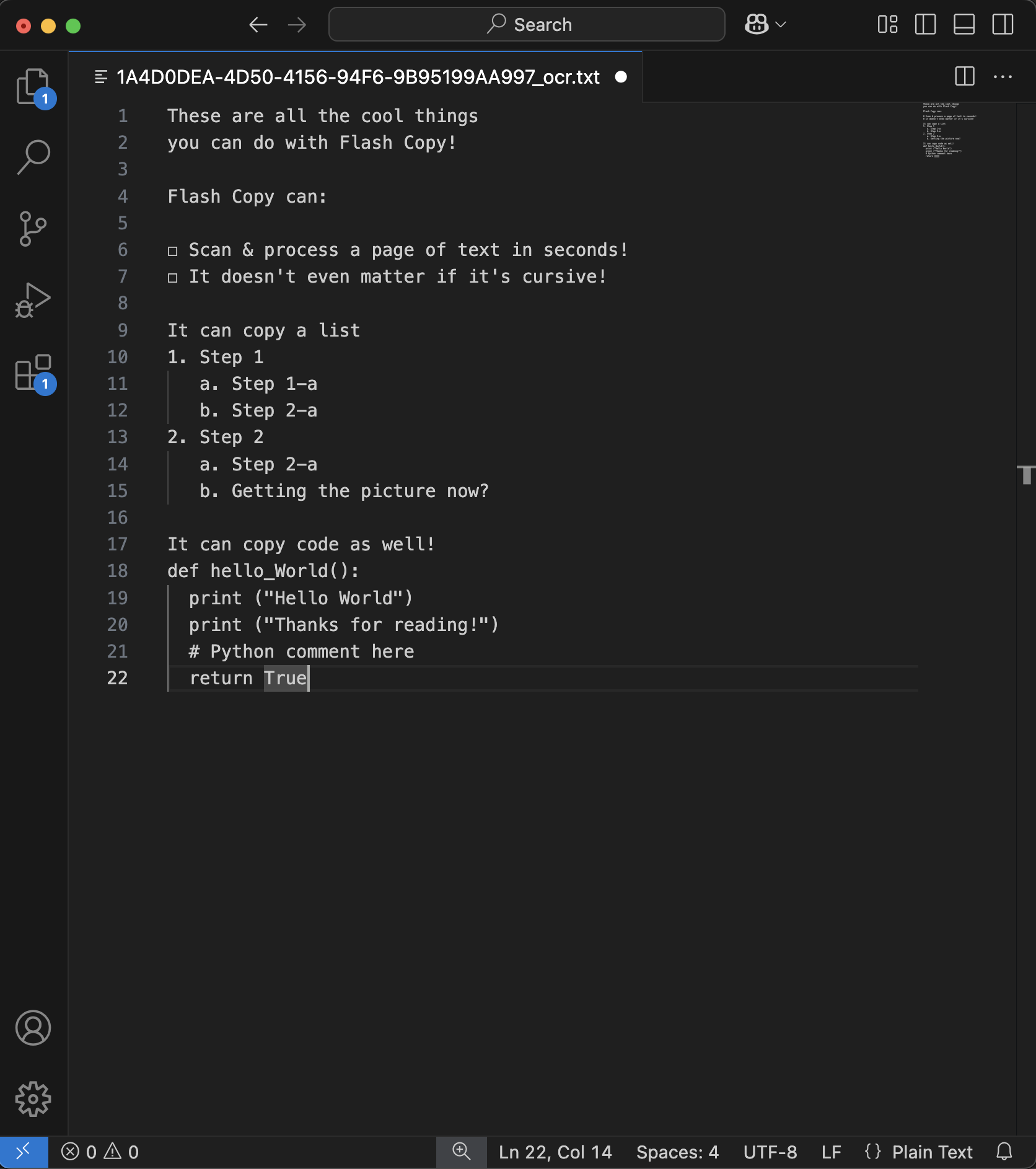
Developer FavoriteTurn handwritten lists into organized digital text
Everyday UseExtract handwritten notes from physical notepads
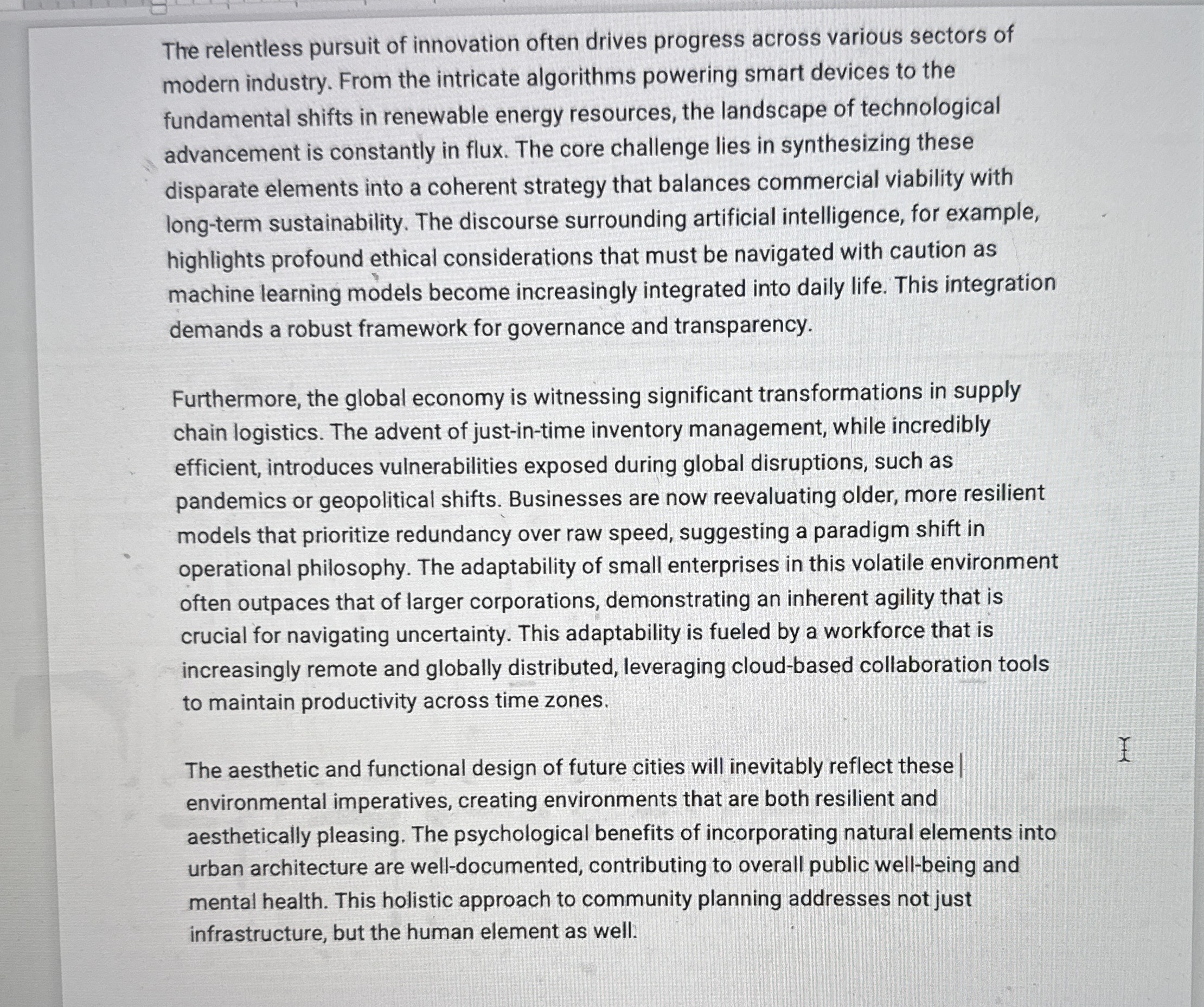
Student EssentialCapture text from printed documents and PDFs
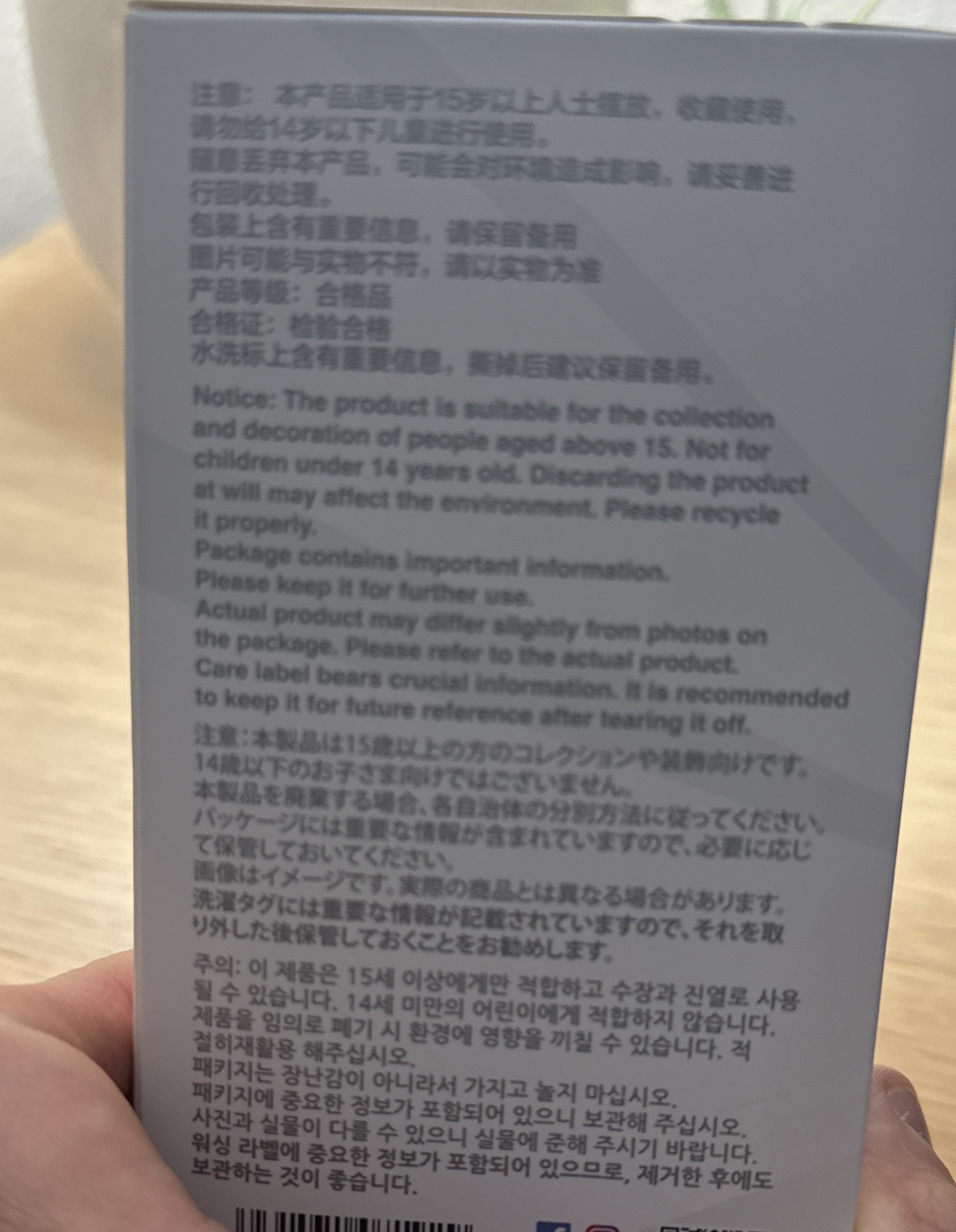
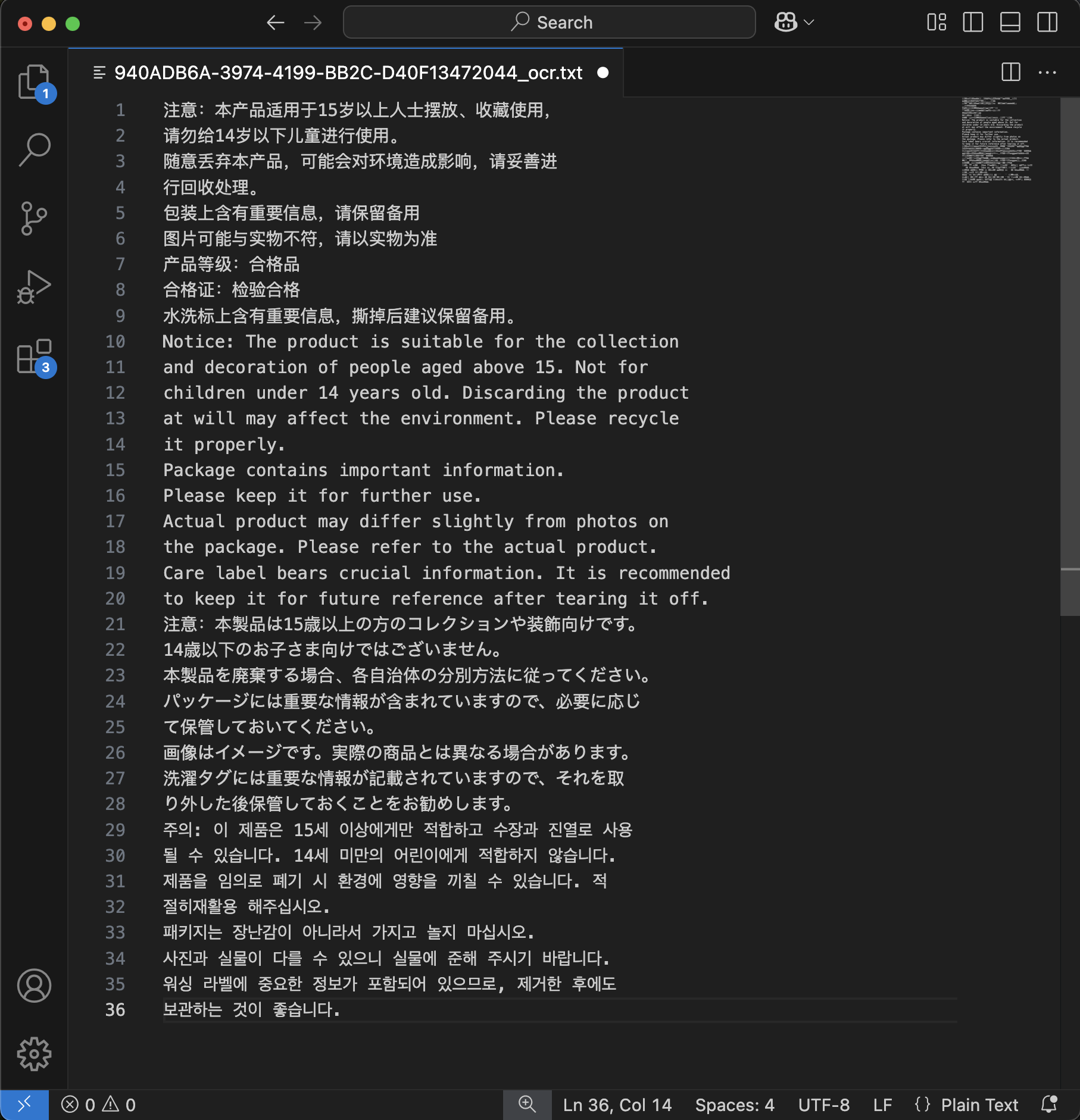
Office ReadyExtract product info and ingredients from packaging
Pro TipThree simple steps to extract perfect text
Take a photo, record a video, or select from your gallery
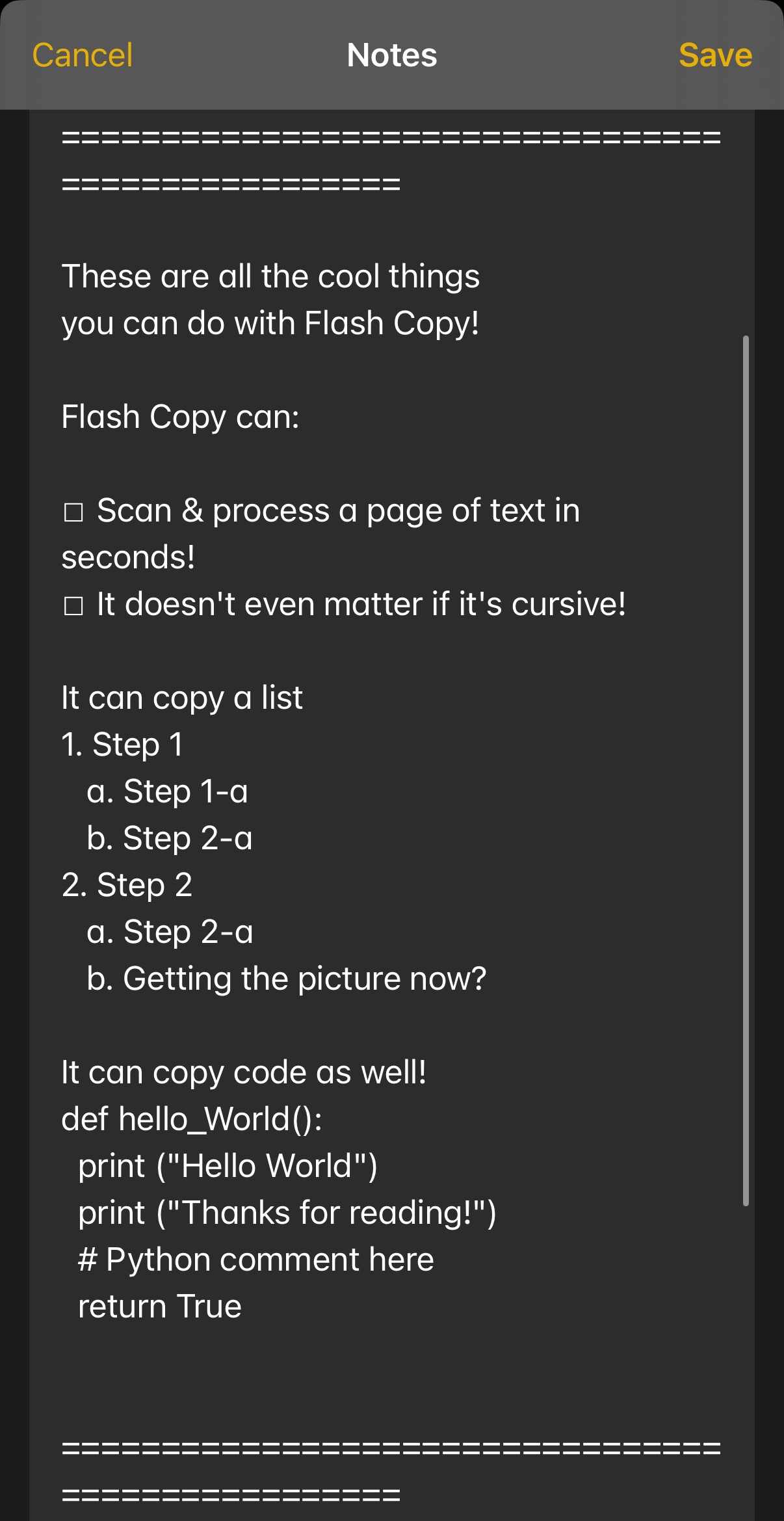
Gemini 2.5 Flash AI extracts text with 99.9% accuracy
Copy, share, or beam directly to VS Code
Everything you need for seamless text extraction
Point your camera at any text and get instant, accurate extraction.
Extract text from videos with frame-by-frame AI analysis.
Combine text from multiple photos into one document.
Our specialized AI handles formatting and complex layouts.
See the transformation in action
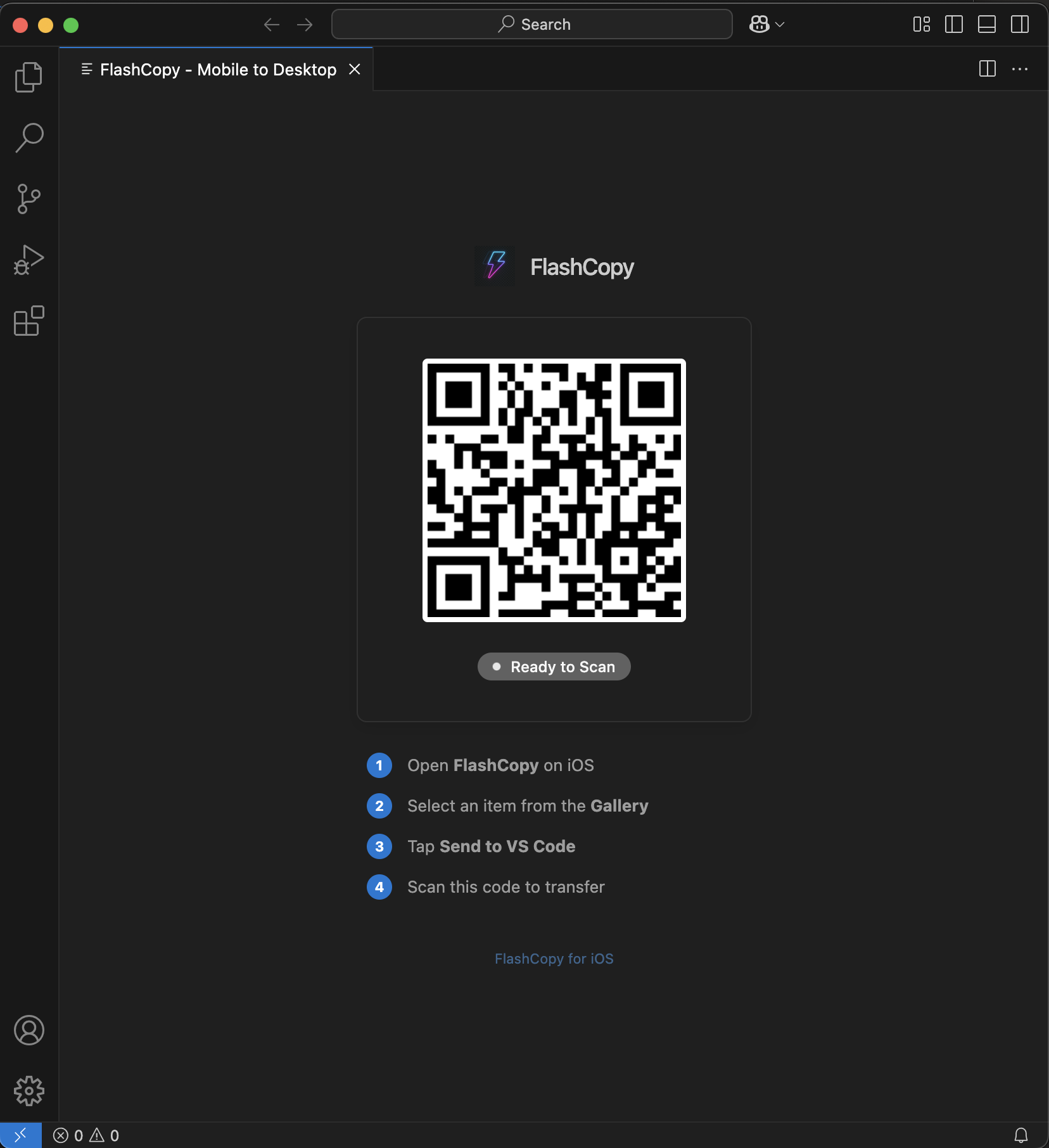
Beam extracted code directly to your editor
Stop re-typing code from tutorials, books, or whiteboards. Flash Copy instantly transfers text directly to your cursor in VS Code.
Designed for speed and simplicity on iOS
Smart Camera
Powerful Settings
Storage Management
Flexible pricing for every need
Perfect for trying out Flash Copy
For regular users who need more power
For power users and professionals
💳 Need more credits? Top-up packs available: 25 ($1.99), 50 ($2.99), 100 ($4.99), 250 ($9.99)
When copy-paste isn't an option, Flash Copy is your answer
Working on a computer without internet access? Use your iPhone to capture code and send it anywhere.
Digitize notes and extract text from textbooks for easy studying.
Process documents, digitize receipts, and streamline workflows.
Capture code from screens and beam directly to your IDE.
Extract data from charts and process academic content efficiently.
Join thousands who trust Flash Copy for text extraction