Lightning-Fast OCR for Your iPhone

Extract text from photos, videos, and multi-photo collections with AI-powered precision. Perfect for students, professionals, and content creators who need instant text extraction.

50K+ Images Processed
99.9% Accuracy Rate
< 3s Processing Time

Flash Copy Logo

See It In Action

Real-time text extraction from your gallery

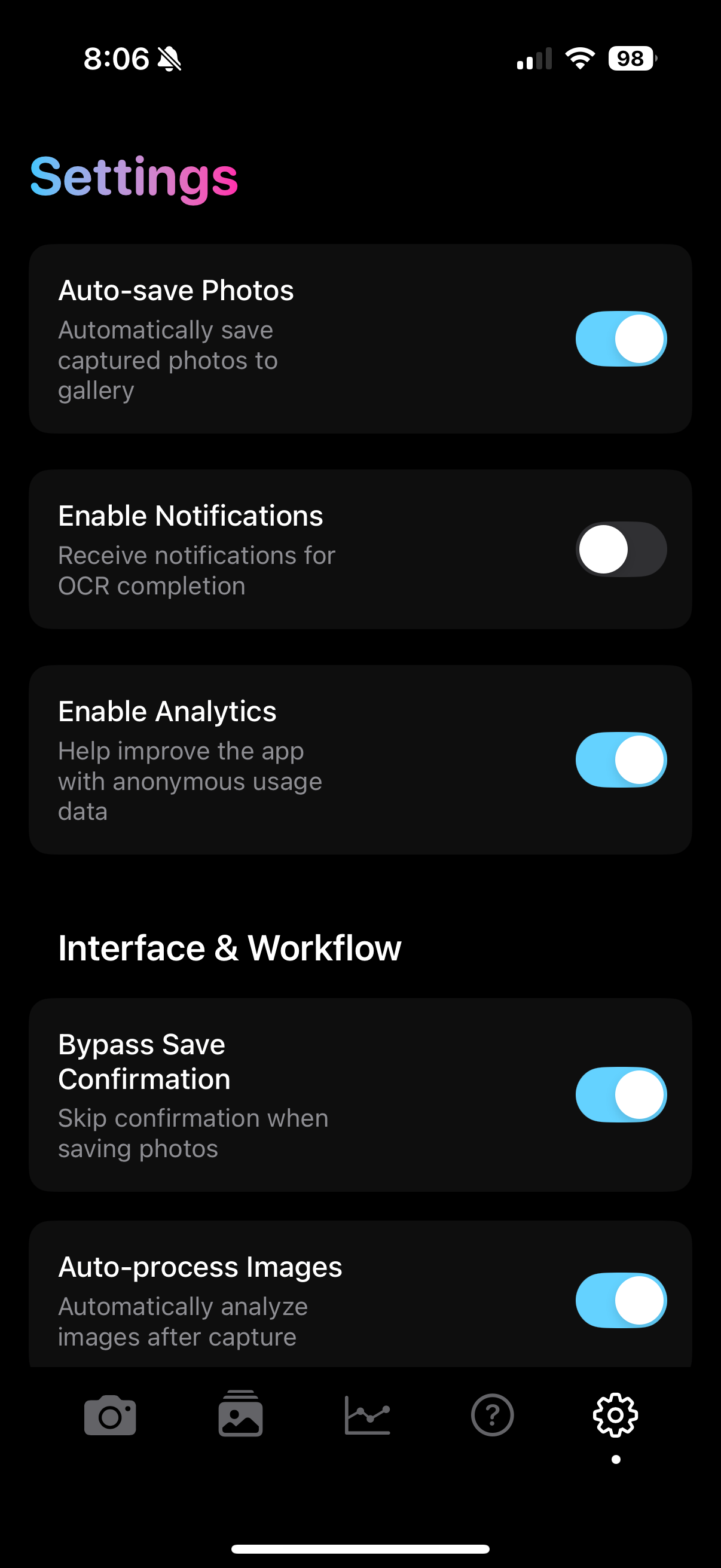
Gallery to Notes
Gallery to Text
Gallery to ChatGPT

Powerful Features for Every Use Case

From quick photo scans to complex video text extraction

Photo OCR

Instant Photo OCR

Point your camera at any text and get instant, accurate text extraction. Perfect for documents, signs, whiteboards, and handwritten notes.

✓ Real-time processing ✓ 99.9% accuracy ✓ Multiple languages
Video OCR

Video Text Extraction

Extract text from videos, presentations, and moving content. AI intelligently combines text from multiple frames.

✓ Frame-by-frame analysis ✓ Smart text combining ✓ Timeline tracking
Multi-Photo

Multi-Photo Collections

Combine text from multiple photos into one seamless document. Great for multi-page documents and presentations.

✓ Batch processing ✓ Smart ordering ✓ Document assembly
AI Enhancement

AI-Powered Enhancement

Gemini 2.5 Flash AI improves text accuracy, fixes formatting, and handles complex layouts automatically.

✓ Smart formatting ✓ Error correction ✓ Context awareness
Cloud Storage

Secure Cloud Storage

Your data is safely stored in AWS S3 with enterprise-grade security. Access your extracted text from anywhere.

✓ Enterprise security ✓ Global access ✓ Automatic backup
📊

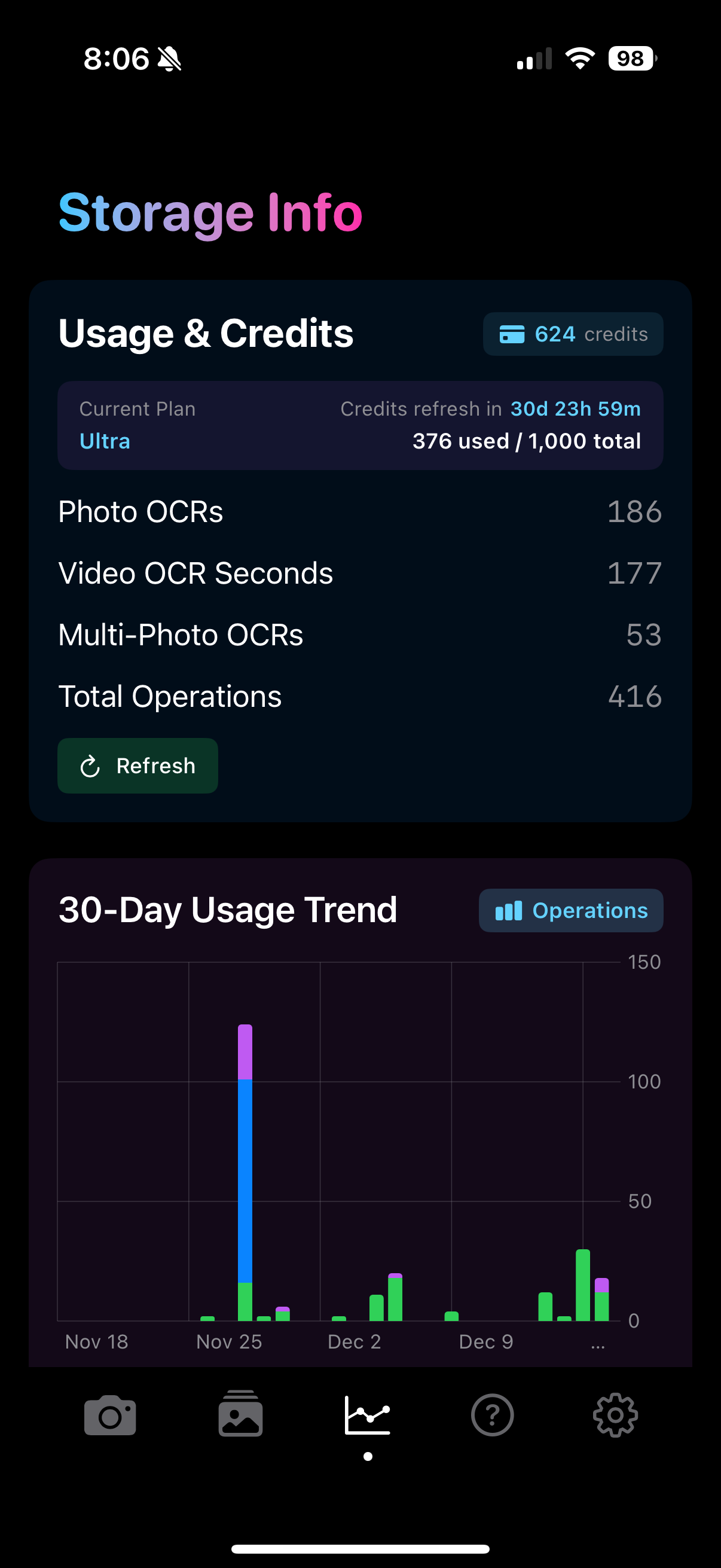
Usage Analytics

Track your usage with beautiful charts and manage your credits across different subscription tiers.

✓ Visual charts ✓ Credit tracking ✓ Usage insights

From Pixel to Text

See how Flash Copy transforms the physical world into digital text

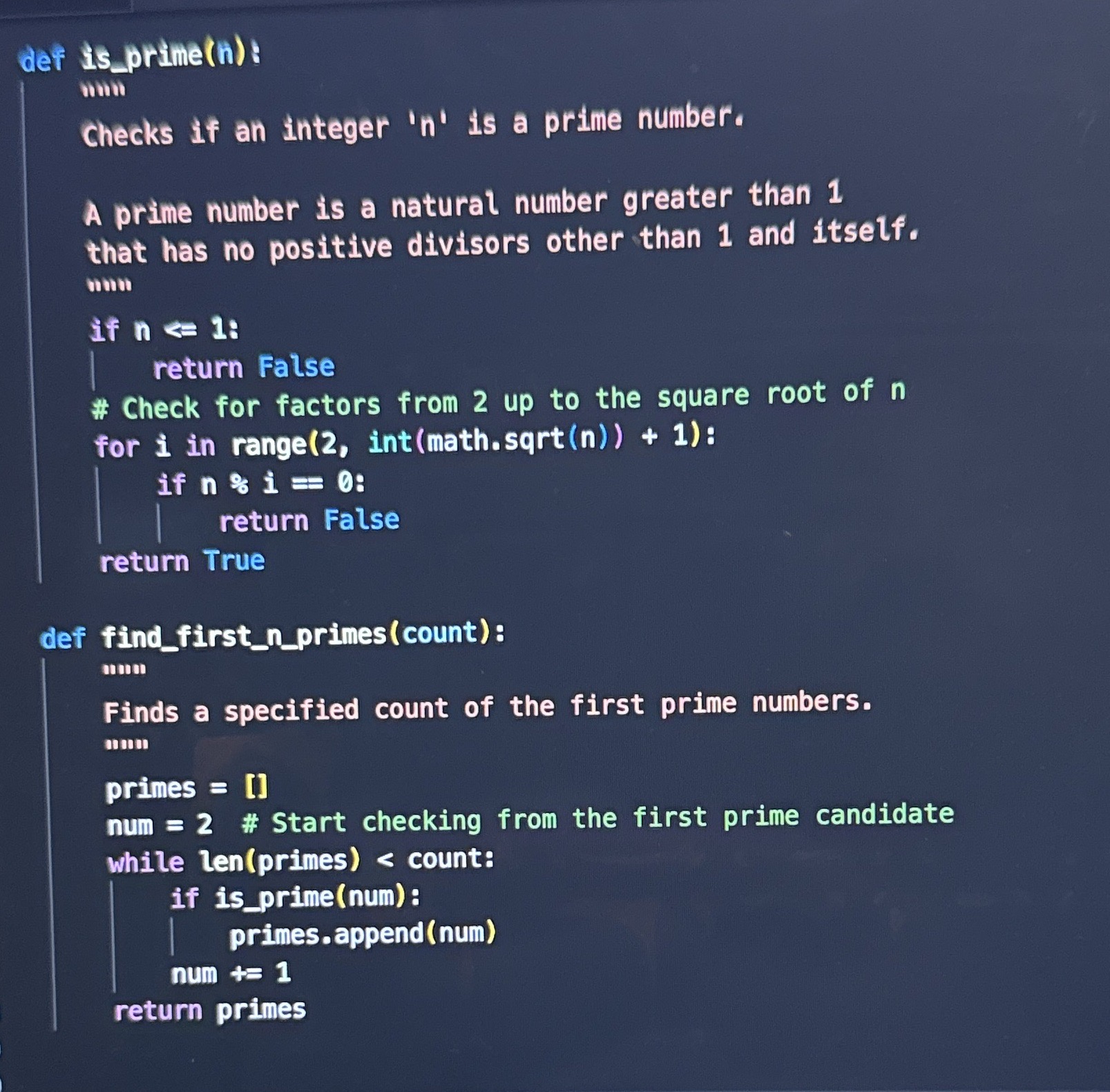
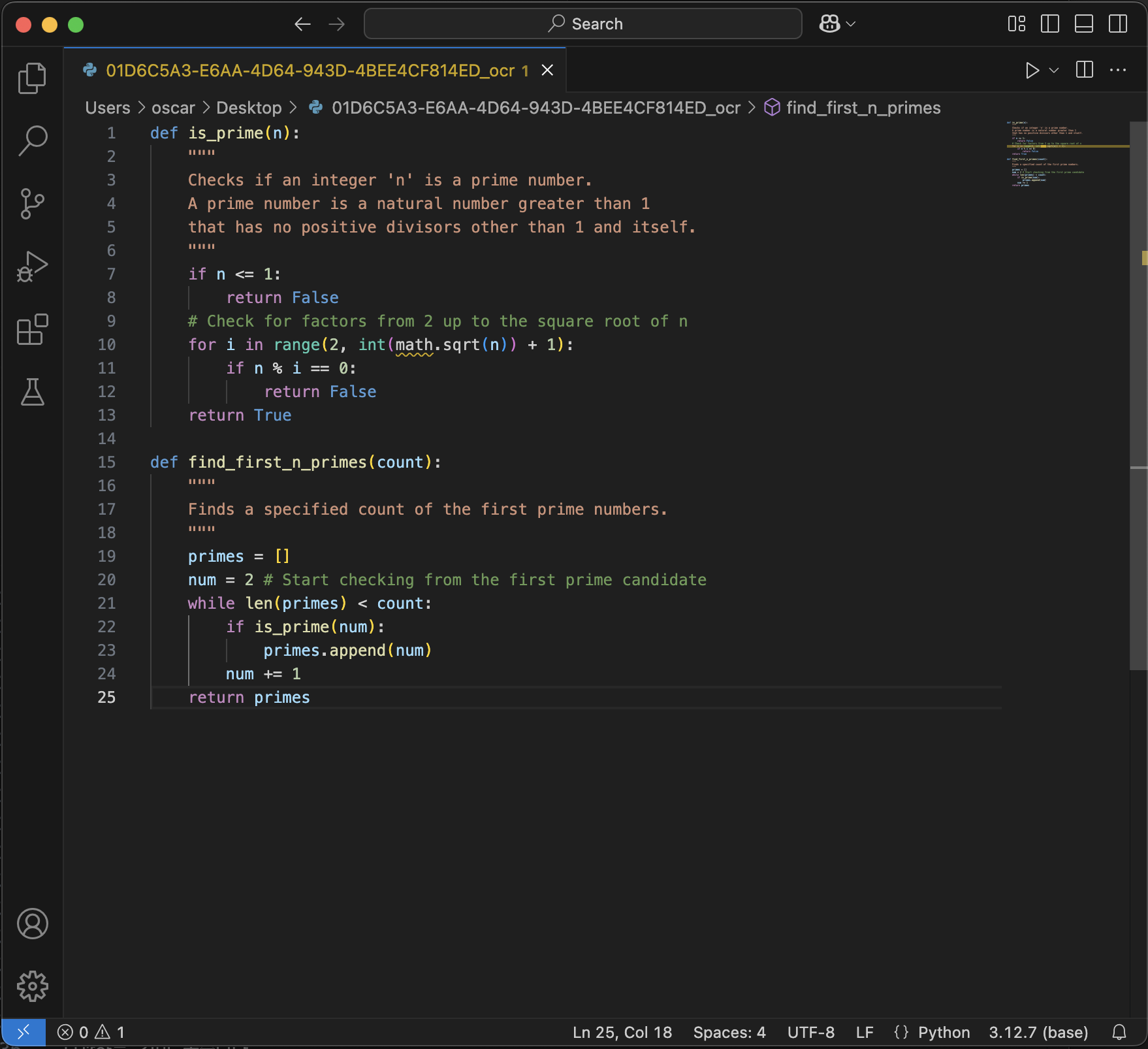
Input Code on Screen
Output Extracted Code in VS Code
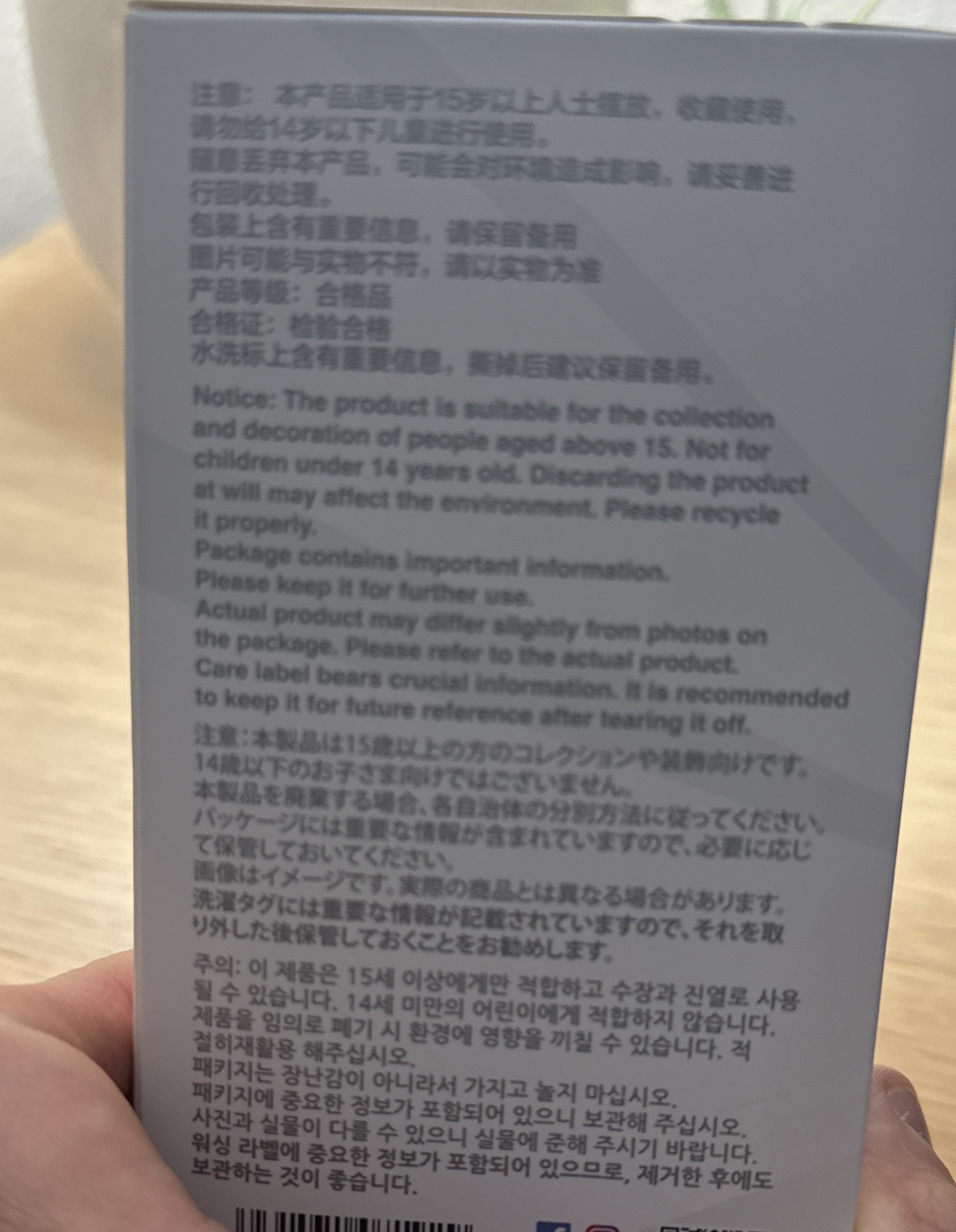
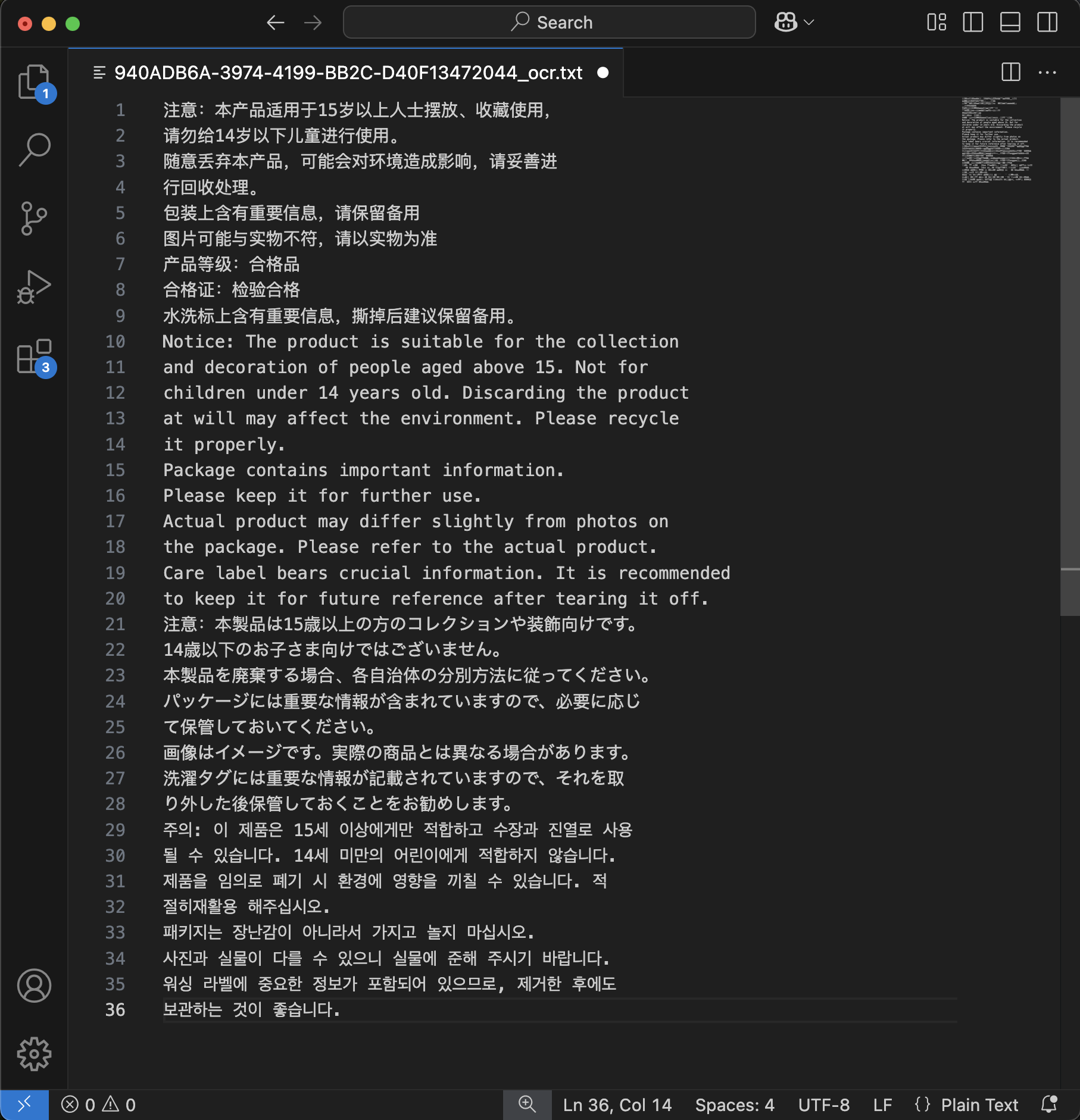
Input Product Packaging
Output Extracted Text

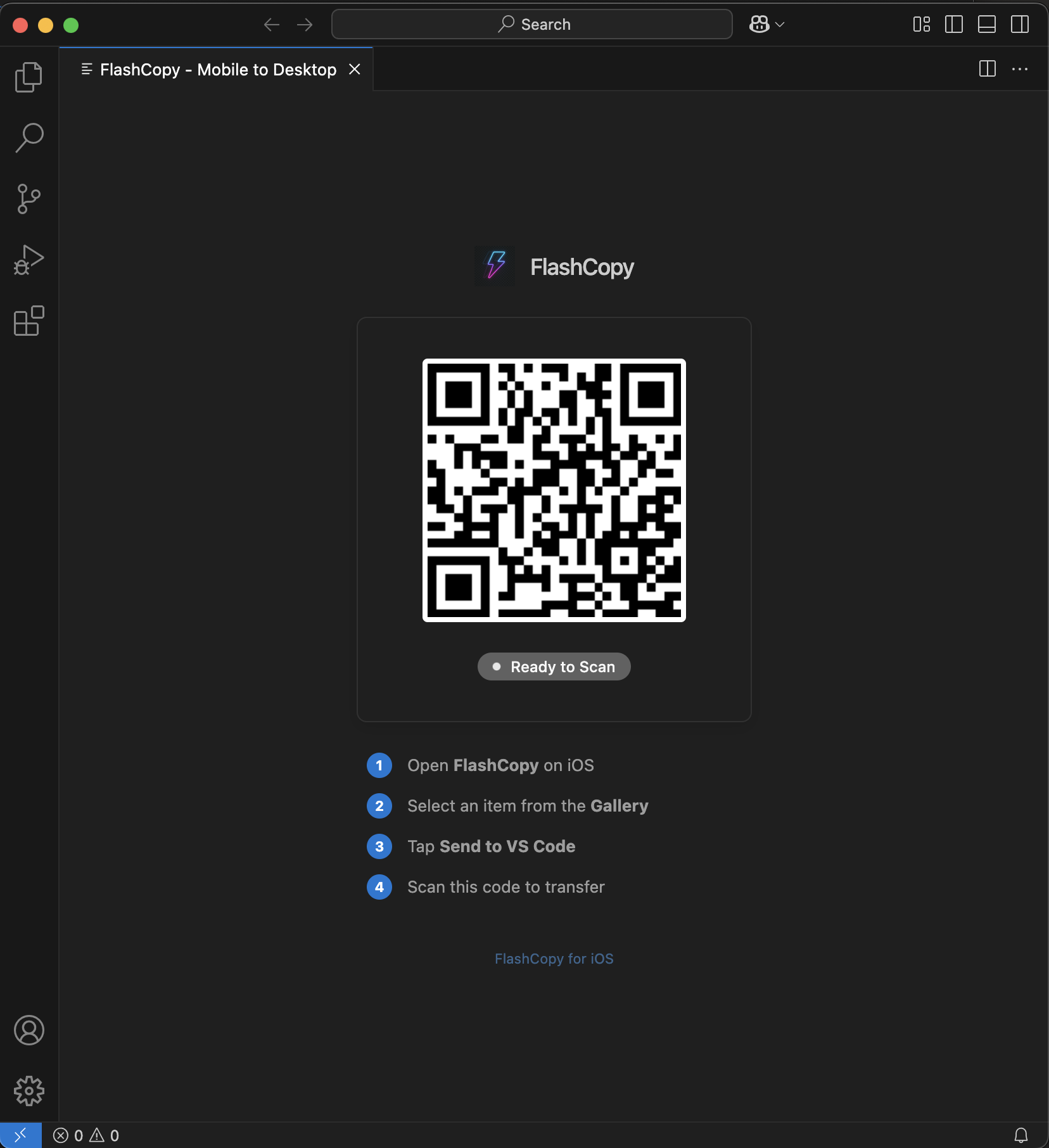
Seamless VS Code Integration

Code faster by transferring text directly to your editor

Stop re-typing code from tutorials, books, or whiteboards. Flash Copy instantly beams extracted code directly to your cursor in VS Code.

  • ✅ Instant transfer
  • ✅ Syntax highlighting
  • ✅ No clipboard needed
  • ✅ Works offline
Get the Extension
VS Code Extension

How It Works

Three simple steps to extract perfect text

1
Capture

Capture

Take a photo, record a video, or select multiple images from your gallery

2
🧠

Process

AI analyzes your content and extracts text with 99.9% accuracy using Gemini 2.5 Flash

3
📤

Export

Copy, share, or save your extracted text in multiple formats

Choose Your Plan

Flexible pricing for every need

Free

$0 /month

Perfect for trying out Flash Copy

  • ✅ 10 OCR Credits
  • ✅ Photo OCR
  • ✅ Basic Video OCR
  • ✅ Cloud Storage
  • ✅ Standard Processing

Ultra

$19.99 /month

For power users and professionals

  • ✅ 1,000 OCR Credits
  • ✅ All Premium Features
  • ✅ Highest Priority
  • ✅ Advanced AI Processing
  • ✅ Dedicated Support
  • ✅ API Access (Coming Soon)

💳 Need more credits? Top-up packs available: 25 ($1.99), 50 ($2.99), 100 ($4.99), 250 ($9.99)

Perfect For

🎓

Students

Digitize notes, extract text from textbooks, and convert handwritten content for easy studying and sharing.

💼

Professionals

Process business documents, extract data from presentations, digitize receipts, and streamline workflows.

🎨

Content Creators

Extract text from videos, social media posts, and create searchable content from visual materials.

🔬

Researchers

Digitize research materials, extract data from charts, and process academic content efficiently.

Ready to Get Started?

Join thousands of users who trust Flash Copy for their text extraction needs

Download on App Store
📱

QR Code

Scan to download

📱 iOS 15.0+
🔒 Privacy Focused
Lightning Fast
🏆 Award Winning